

Opening
Too Good To Go is the world's largest marketplace for surplus food, it connects diners to restaurants, cafés, and grocery stores selling unsold inventory at a discount, instead of throwing it away. Every transaction in the app diverts food from landfill.
That mission changes what a design system is for. In Too Good To Go, every confusing touch target, every accessibility failure, every minute a team loses rebuilding a button that already exists is friction against the company's actual goal: more meals rescued, less waste.
So when our team audited the iOS app, the main thing we focused on was: where is the product working against its own mission?
What I specifically owned
I led
The full content and component audit of the existing TGTG iOS app every screen deconstructed, every element catalogued, every inconsistency documented
The Patterns library, end to end defining which compositions earned a pattern slot, building each one in Figma, and writing the Zeroheight documentation for the full pattern set
The final pitch deck and storytelling structuring the narrative from audit through system to roadmap for the stakeholder presentation
I contributed to:
The accessibility evaluation WCAG contrast audit, touch target analysis, and focus state review across components
Token structure and naming convention
Component behavior and variant logic specifically on the card and button families
The Audit
We deconstructed the iOS app and found four categories of debt. We pulled every screen, isolated every UI element, and grouped them. Four problems surfaced repeatedly not as one-off bugs, but as systemic patterns the product had developed as it scaled across markets and teams.
Problem 01 · Ten shades of grey
Across the app, Too Good To Go uses ten near-identical greys with no clear pattern for when each appears. Some are actually dark green, some are mid-grey, some are light-grey and they often sit within a few percentage points of contrast from one another.
No single decision was wrong. The system had no shared reference, so each screen made its own call.


Problem 02 · Primary buttons that aren't primary anywhere
Primary buttons appear in different heights across screens. Icon buttons meant to trigger the same action use different icon styles, stroke weights, and arrow lengths. The visual cue "this is the most important thing on this screen" is inconsistent enough that users can't rely on it.


Problem 03 · Tap targets users can't actually tap
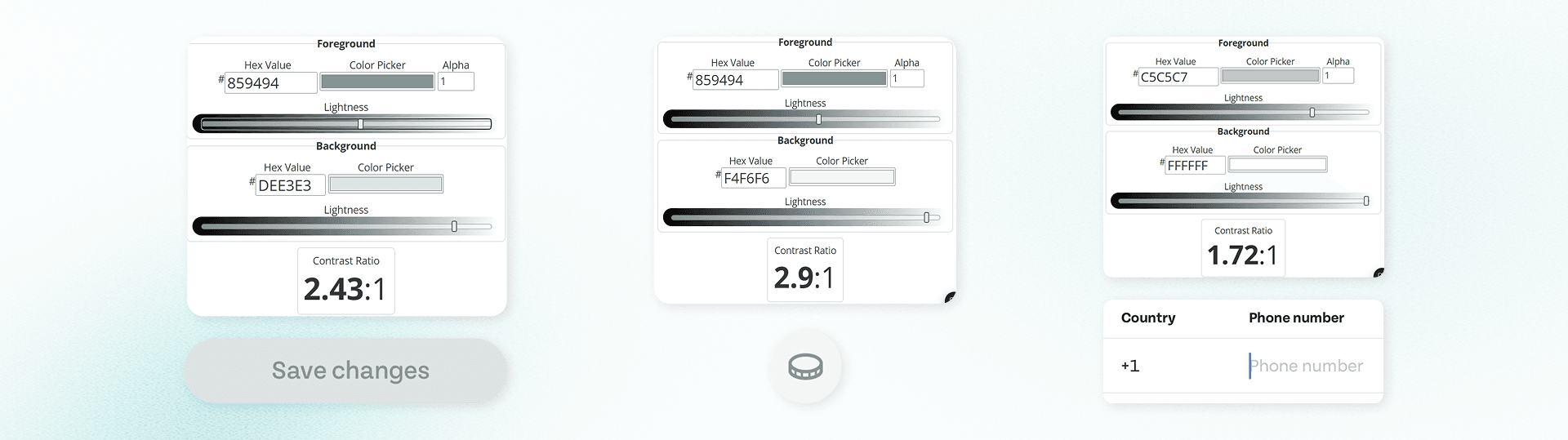
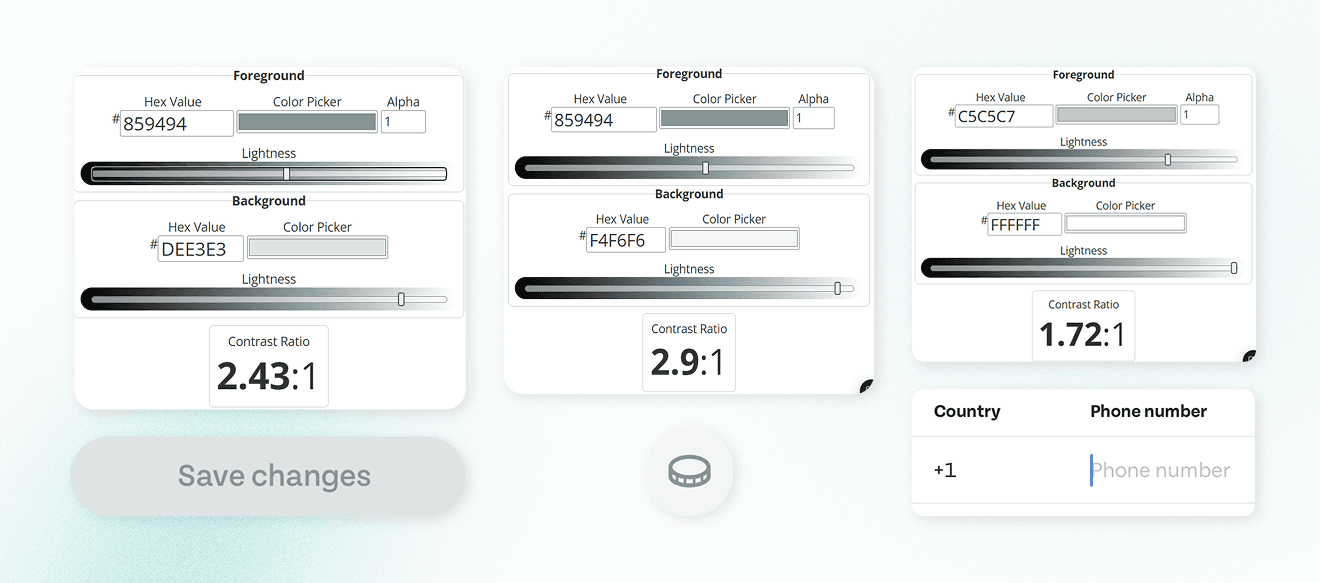
Several text-color combinations on the existing app fail WCAG contrast, making them difficult to read for users with low vision. Multiple components place two tap targets so close together that touch precision becomes a usability issue, especially for users with motor differences.
For a product whose audience spans every adult who eats food which is everyone building a system that excludes any of them is the design failure.
Problem 04 · Icons that don't agree on a style
Icons across the app look like they were pulled from different libraries sharp versus rounded, thin versus thick stroke, outline versus filled. The visual identity reads as inconsistent in a way users notice subconsciously even when they can't articulate why.


Why this matters for TGTG specifically
Introducing Bagel!
A design system named for warmth and built for scale.
We named the system Bagel. The reasoning was deliberate: TGTG's product voice is warm, food-grounded, and approachable, not corporate. A name like Bagel fits that voice without performing it. It's a single, recognizable object made of distinct, repeatable parts. Once.
Design Principles
Foundations
We rebuilt the bottom layer of the system first. Before any components, four foundations had to be settled. Without them, every component decision would be arbitrary.
Color · From 10+ scattered values to 30+ structured tokens
We consolidated the existing greys, greens, and accent colors into a token system organized in two layers:


Typography · One scale, named roles
We replaced screen-by-screen typography decisions with a unified scale using Tenon, structured into named roles: Display, Heading, Title, Body, Label, Caption. Each role has a defined size, weight, and use case.


Iconography · A single icon family
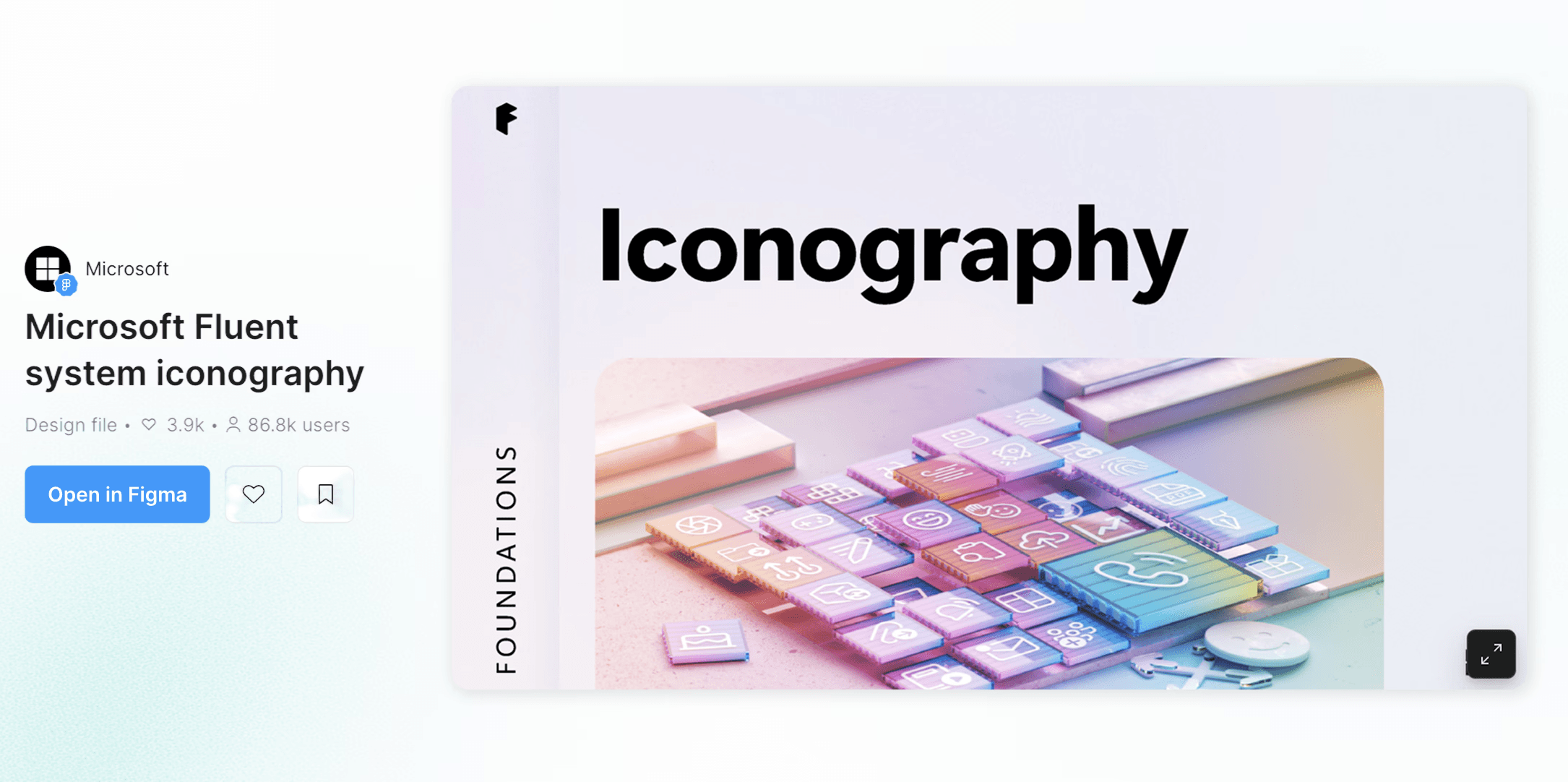
Instead of building a custom icon set from scratch, we adopted Microsoft Fluent Icons as the foundation. Fluent is open-source, comprehensive, and visually compatible with TGTG's voice friendly without being childlike.
This was a deliberate trade-off. A custom icon set would be more brand-specific. Fluent gave us coverage and consistency in week one instead of month three. For a four-month timeline, that was the right call.

Spacing & Grid · Predictable rhythm
A defined spacing scale (4px base unit) and grid system give layouts a predictable rhythm. Spacing isn't an aesthetic choice anymore it's a token, applied consistently.


The Token Layer
Naming was the hardest single decision.
There is no objectively correct way to structure a token system, and the abundance of competing conventions made early choices feel high-stakes. We considered three approaches:
We chose the layered approach. Primitives encode value. Semantics encode meaning. A developer reading text/primary knows what it's for; reading green/500 they know what it is. Both matter.
The reasoning is documented in the system itself, so future contributors don't have to re-litigate the decision.

Components and Patterns
Four properties of the component library were non-negotiable:
One component, many contexts.
Every component supports multi-context use through variants and Boolean controls. A card on a homepage list and a card in a search result are the same component, they just show different properties.

Configurable without being chaotic.
Boolean controls let designers turn elements on or off without forking the component. The system stays one component; the surfaces look different.

Accessible by default.
Every component meets WCAG standards out of the box. Designers don't have to remember to check contrast, the token system already enforces it.


Built to use.
The kit is structured for drag-and-drop assembly. Patterns are pre-tested combinations of components, so designers can start a screen by composing instead of constructing.


Test Drive
Outside designers revealed the layer we'd missed.
We tested v0 by handing the kit to Pratt classmates and designers outside the program with one task: rebuild the TGTG home feed using only Bagel components. They surfaced what the internal team couldn't see no header component existed, no Patterns layer existed, and component names didn't match how designers searched. We added the header, built the full Patterns library from scratch, and renamed components for function. Patterns were the system's missing layer; testing revealed it.

Documentation
Zeroheight as the single source of truth.
A design system without documentation is a Figma file with strong opinions. The documentation is what makes it usable by people who weren't in the original room.
What we shipped
Three artifacts, designed to work together.
Figma UI Kit
A Complete component library covering primary navigation, content cards, action controls, forms, feedback states, and pattern templates for the TGTG home, search, and detail screens. Built for drag-and-drop use, with handoff-ready handles for engineering.
Zeroheight documentation
six foundation pages (colors, typography, icons, layout, logo, media), full component documentation with anatomy and do/don't guidance, the complete patterns library, accessibility notes, and contribution guidelines.
Stakeholder pitch deck
A pitch deck covering audit findings, system rationale, principles, foundation showcase, component and pattern application demos, and governance roadmap. Delivered as the project's final review to a mock TGTG internal audience.
Roadmap
Reflections
Two things I'd carry into shipping work.
A design system isn't finished without engineering.
We built a coherent Figma library and Zeroheight site, but the absence of a coded implementation is a real gap. The audit findings live in our documentation, not yet in the product. For systems to do their actual job reducing engineering cost per feature, enforcing accessibility at build time they need to exist in code, not only in Figma. This is the part of design systems work I want to do more of next.
Patterns aren't a polish layer. They're the system.
Before the Test Drive, I would have argued Patterns was a nice-to-have a second wave after components. Watching designers struggle to compose flows from raw components changed that. Patterns are the layer at which the system meets the work designers actually do. For any future system I build, Patterns are first-class from the start, not a v2.


